Mobile
 Android AuthorityJuly 29, 20261 min read1 views
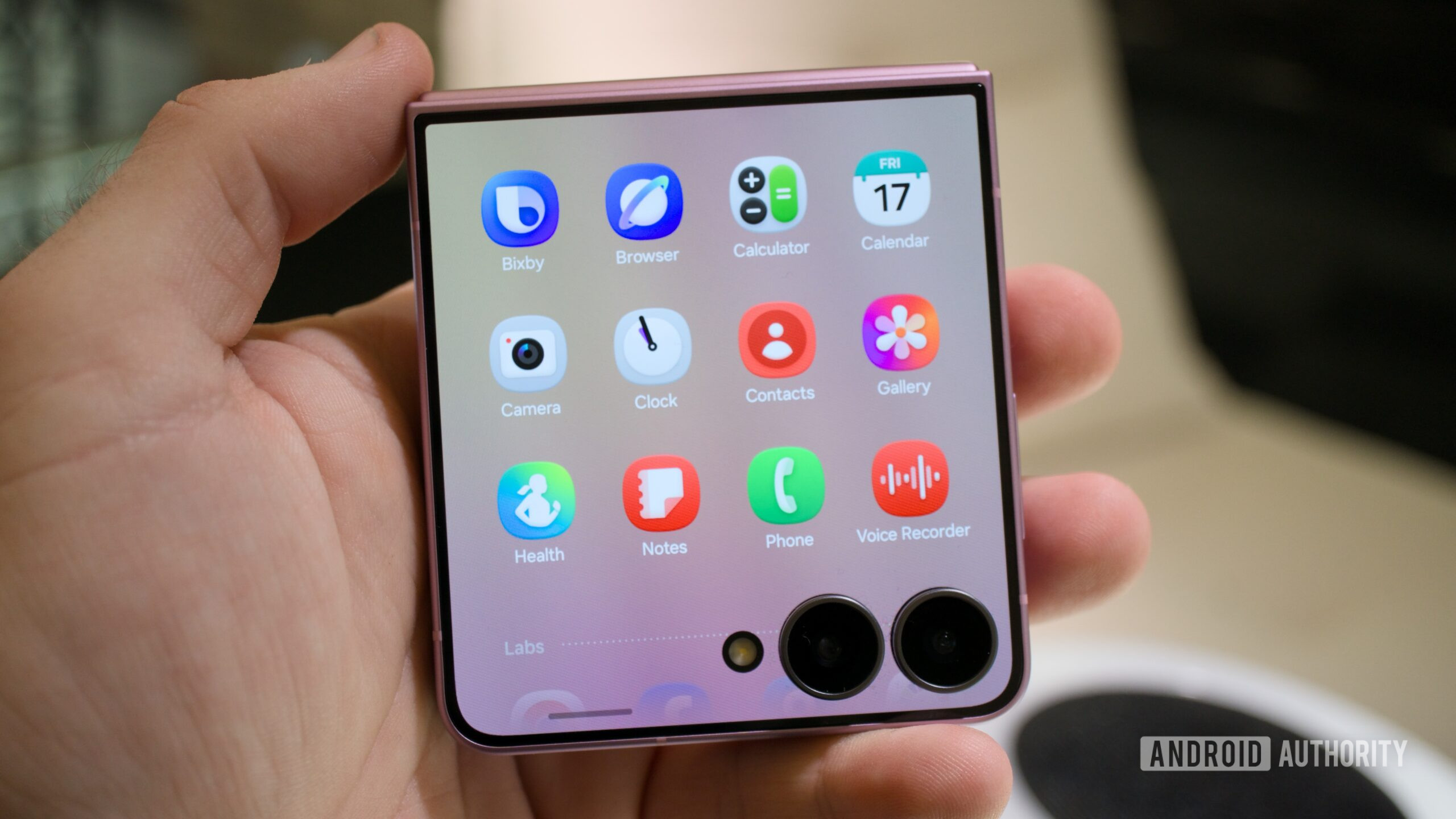
TL;DR The Samsung Galaxy Z Flip 8 now offers a button to change the aspect ratio of apps running on the cover screen. This feature previously required the MultiStar app, but it’s now built into One UI 9 on the new Flip phone. The button also supports Labs apps this time, allowing you to adjust the aspect ratio of Google Maps, YouTube, and more.
Samsung lets you run almost any app on the Galaxy Z Flip line’s cover screen via the MultiStar app, but many of them aren’t optimized for this display in the first place. One workaround on the Galaxy Z Flip 7 is to enable MultiStar’s aspect ratio button, but there’s good news if you were hoping for a built-in solution. ).
This button is found at the bottom of the screen and lets you switch between a full-screen mode, portrait orientation (left/right/center), and a square aspect ratio. Check out the screens below and the video at the top of the page.
Android Authority
androidauthority.com