Virexa
HomeAIProgrammingCloudSecurityOpen SourceGamesMobile GamesDeveloper Hub
Sign InSign Up
Virexa
Sign InSign Up
AIProgrammingCloudSecurityOpen SourceGamesMobile GamesDeveloper Hub
Virexa

Modern AI news aggregation and newsletter platform covering technology, business, AI, games and world news.

Categories

  • AI
  • Programming
  • Cloud
  • Security
  • Open Source
  • Developer Hub

Company

  • About
  • Contact
  • Advertise

Resources

  • RSS Feed
  • API
  • Privacy Policy
  • Terms of Service

© 2026 Virexa. All rights reserved.

Virexa
HomeAIProgrammingCloudSecurityOpen SourceGamesMobile GamesDeveloper Hub
Sign InSign Up
Virexa
Sign InSign Up
AIProgrammingCloudSecurityOpen SourceGamesMobile GamesDeveloper Hub
Virexa
HomeAIProgrammingCloudSecurityOpen SourceGamesMobile GamesDeveloper Hub
Sign InSign Up
Virexa
Sign InSign Up
AIProgrammingCloudSecurityOpen SourceGamesMobile GamesDeveloper Hub
Home›Mobile

Mobile

Smartphones, mobile chipsets, and the apps and networks powering life on the go.

322 articles found

Android CLI Now Stable 1.0: Accelerate developing for Android using any agent

Android CLI Now Stable 1.0: Accelerate developing for Android using any agent

Posted by Simona Milanovic and Ben Trengrove, Developer Relations Engineers As Android developers, you have many choices when it comes to the agents, tools, command-line interfaces (CLI), and LLMs you use for app development. Whether you use Gemini in Android Studio, Antigravity 2.0, Antigravity CLI, or third-party agents like Anthropic's Claude Code or OpenAI'sCodex, our mission remains the same: to ensure that high-quality Android development is possible everywhere. At Google I/O ‘26 , we shared the latest leaps forward in agentic development, and showcased some of the newest capabilities of Android CLI —now stable at version 1.0 and ready for all Android developers to use. From new skills to enabling agent access to powerful Android Studio capabilities, we’re giving your agents the right tools to build alongside you. If you’re already using Android CLI and want to jump into using all the new features, just run android update . Otherwise, read further to learn more about how we’re making the agents you choose be better at building for Android. Android development unlocked for Antigravity Google Antigravity now includes an optional bundle of Android resources—including the Android CLI and skills—that you can install. You can either install the bundle during onboarding after installation, or later from the Settings > Customizations > Build With Google Plugins menu. This provides Antigravity with all the powerful tools and knowledge of Android CLI, enabling it to perform the core tasks necessary for Android app development more easily and efficiently—from creating projects to deploying your app on a new Android virtual device. You can now easily install Android CLI for use with Google Antigravity 2.0. Unlocking Android Studio capabilities for any agent Android CLI provides a lightweight interface for AI Agents to perform tasks and retrieve knowledge about Android development. However, there's benefits to specialization — Android Studio contains over a decade of Android expertise, built to handle even the most complex Android projects. This includes Android Studio's powerful static analysis engine, refactoring tools, dependency management, UI design and rendering libraries, and more. AI Agents can now tap into Android Studio's tools to gain many of these same capabilities. Your agents can now use Android CLI to access powerful capabilities of Android Studio. The latest version of Android CLI introduces the new android studio command. This enables the agent of your choice to leverage the deep, contextual capabilities of Android Studio to better understand and perform actions on an open Android project. By running Android Studio alongside your preferred agent with Android CLI, your agent’s tasks can more efficiently navigate the codebase to produce more precise code changes. And, when you use Android CLI to create and iterate on your project, transitioning to Android Studio is much easier, so that you can use the purpose built tools—such as, performance profilers, Compose Previews, and Android Device Streaming—to get that production-grade polish. When you have a project open in the latest preview version of Android Studio Quail, you (or your agent) can run the following command to check whether Android CLI has a connection established with your open project: $ android studio check pid: 32942 version: Android Studio Projects:      READY     JetSet /Users/adarshf/AndroidStudioProjects/jetset-main From there, the agents can use the android studio command to access powerful IDE tools to interact with projects more efficiently. Key commands include: analyze-file: Analyzes a file for errors and warnings using the editor's built-in inspections. find-declaration: Finds the exact definition site of a symbol (class, method, variable, field, constant, or Android resource/color) across the project using semantic resolution. find-usages: Finds all references and declarations of a symbol (class, method, variable, or Android resource) across the entire project using semantic analysis. render-compose-preview: Renders a Jetpack Compose UI Preview and returns a path to the image and UI hierarchy if successful. version-lookup: Get the latest information about which versions for specified app dependencies are available in common repositories, such as the Google Maven repository. By providing a programmatic solution, dependency management is less tedious and much less prone to flakiness. open-file: Opens a file directly in Android Studio. This is useful if the agent wants to direct your attention to view Compose Previews, performance traces, or other specific files in the IDE. For example, agents can now run the following commands to render a Compose preview for a new layout for your Android app, and then open the previews in Android Studio for you to take advantage of seeing multiple Compose Previews side by side and make AI-assisted edits right from the IDE. $ android studio find-declaration HotelDetailScreen $ android studio analyze-file .../JetPacker/feature/detail/src/main/java/com/example/jetset/feature/detail/HotelDetailScreen.kt $ android studio open-file feature/detail/src/main/java/com/example/jetset/feature/detail/HotelDetailScreen.kt To learn more about how to use these commands, run android help . And, to make sure your agents understand how to work with this tool, make sure to update the Android CLI skill by running android init . More ways to get started To make integrating Android CLI into your environments as seamless as possible, we’re making it available in more ways. You can now download and install Android CLI using more package managers: apt-get, winget, and homebrew. For example, you can run the following to install Android CLI using winget: winget install -e --id Google.AndroidCLI We’ve also updated the installation to a user-local directory, by default. You can find the commands for all supported operating systems plus additional download options on the Android CLI page . Support for Journeys Journeys are natural language descriptions of core user experiences. We are also introducing support for Journeys . With Journeys tools and skills included with Android CLI, any agent of your choice can now create and run Journeys—which are natural language descriptions of user journeys for your app that are saved directly to your project.   (sped up) An agent running a Journey it generated for an app. Agents can run these journeys using the Android CLI to navigate your app exactly like a user would. This unlocks entirely new ways to test, validate, or collect data across the critical experiences of your app, all driven by natural language and executed by your agent. Expanding Android skills To help models better understand and execute specific patterns that follow our best practices, we are continuing to expand our library of Android skills . We’re shipping new skills that make Android development everywhere more capable, efficient, and productive: Display Glasses and Jetpack Compose Glimmer for XR: Provides guidelines for developing projected applications for Android Display Glasses using the Jetpack Compose Glimmer UI toolkit. Migration to CameraX: Helps you migrate legacy Android camera implementations (Camera1 or raw Camera2 APIs) to CameraX. Perfetto SQL: Translates natural language data prompts into Perfetto SQL queries and executes them against a local trace file. Adaptive UI: Instructions to make or update an app's UI so that it adapts to different Android devices Testing setup: Creates a basic testing strategy. Styles: Helps with adoption of the new Jetpack Compose Style API for new components, and supports migration to Styles API.  AppFunctions: Analyzes Android codebases to recommend and implement new AppFunctions, and refines KDoc documentation for Model Context Protocol optimization. You can add these new skills to your workflow directly from the command line. To help your agents understand and use Android CLI right away, you can initialize your environment and install the base android-cli skill by running: android init From there, you can browse and set up your agent workflow by searching for the exact capabilities your agent needs: android skills list Once you've found the right skill, install it to your environment by running: android skills add –skill=<skill-name> Get started today To download the stable 1.0 release of the Android CLI, explore the new tools, and browse the complete documentation, head over to d.android.com/tools/agents today!  Also, make sure you update to the latest preview version of Android Studio to unlock the latest features that Android CLI offers. We can't wait to see what you build with Android CLI 1.0 and how these new features supercharge your daily workflows. Join our vibrant community on LinkedIn , Medium , YouTube , or X and  share your feedback. Explore this announcement and all Google I/O 2026 updates on io.google.

Build for the future with the Android XR Developer Catalyst Program — Apply now!
State of Mobile 2026: 9 Trends That Matter

State of Mobile 2026: 9 Trends That Matter

We unpack the biggest mobile app trends 2026 and mobile gaming trends 2026.

Deconstructor of Fun•February 2, 2026
Beyond the smartphone: How JioHotstar optimized its UX for foldables and tablets
Debugging native crashes on Android just got easier with Crashlytics

Debugging native crashes on Android just got easier with Crashlytics

Firebase Blog•November 14, 2025
Smoother app reviews with Play Policy Insights beta in Android Studio
Mobile Dreams of Hollywood: Inside Royal Kingdom’s Celebrity Blitz

Mobile Dreams of Hollywood: Inside Royal Kingdom’s Celebrity Blitz

"When in doubt, add LeBron." That seems to have been Dream Games' mantra when they unleashed an all-out celebrity siege for Royal Kingdom.

Deconstructor of Fun•April 28, 2025
Ensure your Firebase Cloud Messaging notifications reach your users on Android

Ensure your Firebase Cloud Messaging notifications reach your users on Android

Firebase Blog•April 17, 2025
12345678910111213

Related Categories

Explore more of what's active right now

  • 🕹️Mobile Games630 articles
  • 💻Technology624 articles
  • 🌍World339 articles
  • 🤖AI244 articles
  • 🎮Games177 articles
  • 🔬Science
Android Developers Blog•May 19, 2026

Build for the future with the Android XR Developer Catalyst Program — Apply now!

Posted by Android XR Team The Android XR ecosystem is expanding, and we’re committed to supporting developers who will build its next great experiences. Today, we’re opening applications for the Android XR Developer Catalyst Program , a dedicated initiative to accelerate the development of Android XR apps ready to launch within the next year. This program is designed to provide the resources, hardware, and grants to help you build and scale innovative experiences across wired XR glasses , like XREAL’s Project Aura , and intelligent eyewear  (audio and display glasses). We are especially interested in seeing innovative experiences across media, gaming, productivity, and health, but we welcome any unique use case that helps users expand what's possible. Why join the catalyst program? We want to help developers navigate common barriers to entry for XR development by providing: Development Kits: Get early access to hardware development kits for wired XR glasses (XREAL’s Project Aura) and / or intelligent eyewear (audio and display glasses). Technical support: Gain access to specialized technical resources and support forums specifically designed to help you prepare your app for Google Play. Grant Opportunities: Submit a request and you may be eligible to receive a non-recoupable grant to accelerate your development. Ready to start building? Applications are open to developers looking to publish apps for the Android XR ecosystem in the next 6-12 months. You can build with Kotlin and the Jetpack XR SDK , or with Unity , Unreal Engine or Godot . If you need a spark of inspiration, you can check out existing XR Experiments and Samples to see how you can use the SDK for everything from spatial music to navigation. Once you have your concept ready, be sure to submit your application by June 30th by 11:59PM PDT. We can’t wait to see what you build. Start Your Application Explore this announcement and all Google I/O 2026 updates on  io.google .

Android Developers Blog•May 19, 2026

Beyond the smartphone: How JioHotstar optimized its UX for foldables and tablets

Posted by Prateek Batra, Developer Relations Engineer, Android Adaptive Apps Beyond Phones: How JioHotstar Built an Adaptive UX JioHotstar is a leading streaming platform in India, serving a user base exceeding 400 million. With a vast content library encompassing over 330,000 hours of video on demand (VOD) and real-time delivery of major sporting events, the platform operates at a massive scale. T o help ensure a premium experience for its vast audience, JioHotstar elevated the viewing experience by optimizing their app for foldables and tablets. They accomplished this by following Google’s adaptive app guidance and utilizing resources like   samples , codelabs , cookbooks , and documentation to help create a consistently seamless and engaging experience across all display sizes. JioHotstar's large screen challenge JioHotstar offered an excellent user experience on standard phones and the team wanted to take advantage of new form factors. To start, the team evaluated their app against the large screen app quality guidelines to understand the optimizations required to extend their user experience to foldables and tablets. To achieve Tier 1 large screen app status, the team implemented two strategic updates to adapt the app across various form factors and differentiate on foldables. By addressing the unique challenges posed by foldable and tablet devices, JioHotstar aims to deliver a high-quality and immersive experience across all display sizes and aspect ratios. What they needed to do JioHotstar’s user interface, designed primarily for standard phone displays, encountered challenges in adapting hero image aspect ratios, menus, and show screens to the diverse screen sizes and resolutions of other form factors. This often led to image cropping, letterboxing, low resolution, and unutilized space, particularly in landscape mode. To help fully leverage the capabilities of tablets and foldables and deliver an optimized user experience across these device types, JioHotstar focused on refining the UI to ensure optimal layout flexibility, image rendering, and navigation across a wider range of devices. What they did For a better viewing experience on large screens, JioHotstar took the initiative to enhance its app by incorporating WindowSizeClass and creating optimized layouts for compact, medium and extended widths. This allowed the app to adapt its user interface to various screen dimensions and aspect ratios, ensuring a consistent and visually appealing UI across different devices. JioHotstar followed this pattern using Material 3 Adaptive library to know how much space the app has available. First invoking the currentWindowAdaptiveInfo() function , then using new layouts accordingly for the three window size classes: val sizeClass = currentWindowAdaptiveInfo().windowSizeClass if (sizeClass.isWidthAtLeastBreakpoint(WIDTH_DP_EXPANDED_LOWER_BOUND)) { showExpandedLayout() } else if (sizeClass.isHeightAtLeastBreakpoint(WIDTH_DP_MEDIUM_LOWER_BOUND)) { showMediumLayout() } else { showCompactLayout() } The breakpoints are in order, from the biggest to the smallest, as internally the API checks for with a greater or equal then, so any width that is at least greater or equal then EXPANDED will always be greater than MEDIUM . JioHotstar is able to provide the premium experience unique to foldable devices: Tabletop Mode . This feature conveniently relocates the video player to the top half of the screen and the video controls to the bottom half when a foldable device is partially folded for a handsfree experience. To accomplish this, also using the Material 3 Adaptive library, the same currentWindowAdaptiveInfo() can be used to query for the tabletop mode. Once the device is held in tabletop mode, a change of layout to match the top and bottom half of the posture can be done with a column to place the player in the top half and the controllers in the bottom half: val isTabletTop = currentWindowAdaptiveInfo().windowPosture.isTabletop if (isTabletopMode) { Column { Player(Modifier.weight(1f)) Controls(Modifier.weight(1f)) } } else { usualPlayerLayout() } JioHotstar is now meeting the Large Screen app quality guidelines for Tier 1. The team leveraged adaptive app guidance, utilizing samples , codelabs , cookbooks , and documentation to incorporate these recommendations. To further improve the user experience, JioHotstar increased touch target sizes, to the recommended 48dp, on video discovery pages, ensuring accessibility across large screen devices. Their video details page is now adaptive, adjusting to screen sizes and orientations. They moved beyond simple image scaling, instead leveraging window size classes to detect window size and density in real time and load the most appropriate hero image for each form factor, helping to enhance visual fidelity. Navigation was also improved, with layouts adapting to suit different screen sizes. Now users can view their favorite content from JioHotstar on large screens devices with an improved and highly optimized viewing experience. Achieving Tier 1 large screen app status with Google is a milestone that reflects the strength of our shared vision. At JioHotstar, we have always believed that optimizing for large screen devices goes beyond adaptability, it’s about elevating the viewing experience for audiences who are rapidly embracing foldables, tablets, and connected TVs. Leveraging Google's Jetpack libraries and guides allowed us to combine our insights on content consumption with their expertise in platform innovation. This collaboration allowed both teams to push boundaries, address gaps, and co-create a seamless, immersive experience across every screen size. Together, we’re proud to bring this enhanced experience to millions of users and to set new benchmarks in how India and the world experience streaming. Sonu Sanjeev Senior Software Development Engineer

Android Developers Blog•January 27, 2026

Smoother app reviews with Play Policy Insights beta in Android Studio

Posted by Naheed Vora – Senior Product Manager, Android App Safety Making it easier for you to build safer apps from the start We understand you want clear Play policy guidance early in your development, so you can focus on building amazing experiences and prevent unexpected delays from disrupting launch plans. That’s why we’re making it easier to have smoother app publishing experiences, from the moment you start coding . With Play Policy Insights beta in Android Studio, you’ll get richer, in-context guidance on policies that may impact your app through lint warnings. You’ll see policy summaries, dos and don'ts to avoid common pitfalls, and direct links to details. We hope you caught an early demo at I/O . And now, you can check out Play Policy Insights beta in the Android Studio Narwhal Feature Drop Canary release . Play Policy Insights beta in Android Studio shows rich, in-context guidance How to use Play Policy Insights beta in Android Studio Lint warnings will pop up as you code, like when you add a permission. For example, if you add an Android API that uses Photos and requires READ_MEDIA_IMAGES permission, then the Photos & Video Insights lint warning will appear under the respective API call line item in Android Studio. You can also get these insights by going to Code > Inspect for Play Policy Insights and selecting the project scope to analyze. The scope can be set to the whole project, the current module or file, or a custom scope . Get Play Policy Insights beta for the whole project, the current module or file, or a custom scope and see the results along with details for each insights in the Problems tool window. In addition to seeing these insights in Android Studio, you can also generate them as part of your Continuous Integration process by adding the following dependency to your project. Kotlin lintChecks( "com.google.play.policy.insights:insights-lint:<version>" ) Groovy lintChecks 'com.google.play.policy.insights:insights-lint:<version>' Share your feedback on Play Policy Insights beta We’re actively working on this feature and want your feedback to refine it before releasing it in the Stable channel of Android Studio later this year. Try it out, report issues , and stop by the Google Play Developer Help Community to share your questions and thoughts directly with our team. Join us on June 16 when we answer your questions. We’d love to hear about: How will this change your current Android app development and Google Play Store submission workflow? Which was more helpful in addressing issues: lint warnings in the IDE or lint warnings from CI build? What was most helpful in the policy guidance, and what could be improved? Developers have told us they like: Catching potential Google Play policy issues early, right in their code, so they can build more efficiently. Seeing potential Google Play policy issues and guidance all in one-place, reducing the need to dig through policy announcements and issue emails. Easily discussing potential issues with their team, now that everyone has shared information. Continuously checking for potential policy issues as they add new features, gaining confidence in a smoother launch. For more, see our Google Play Help Center article or Android Studio preview release notes . We hope features like this will help give you a better policy experience and more streamlined development.

Android Developers Blog•June 11, 2025
14
15
16
17
18
19
20
21
22
23
24
25
26
27
28
29
30
31
32
33
34
35
36
37
38
39
40
41
166 articles

Recently Added

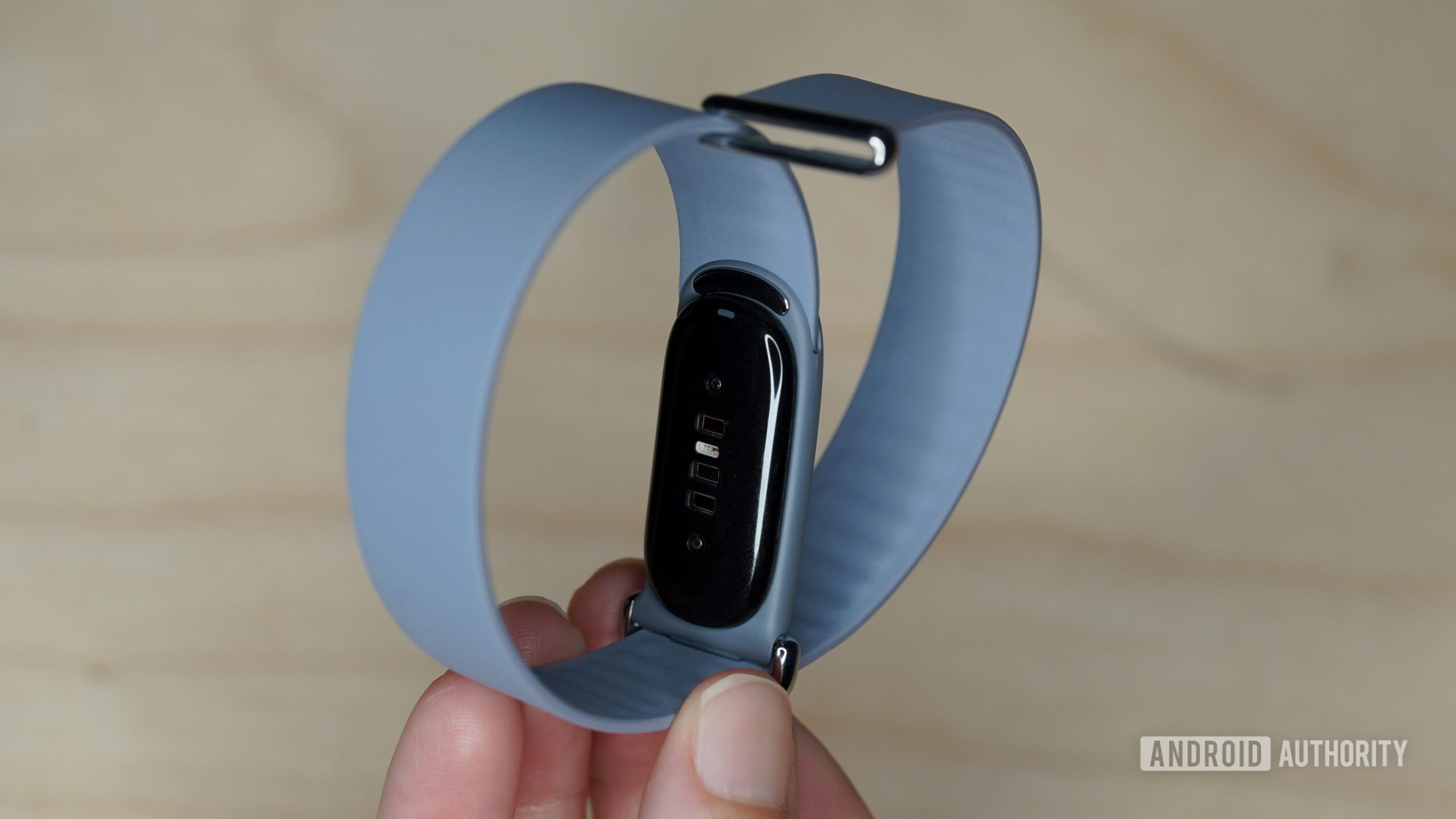
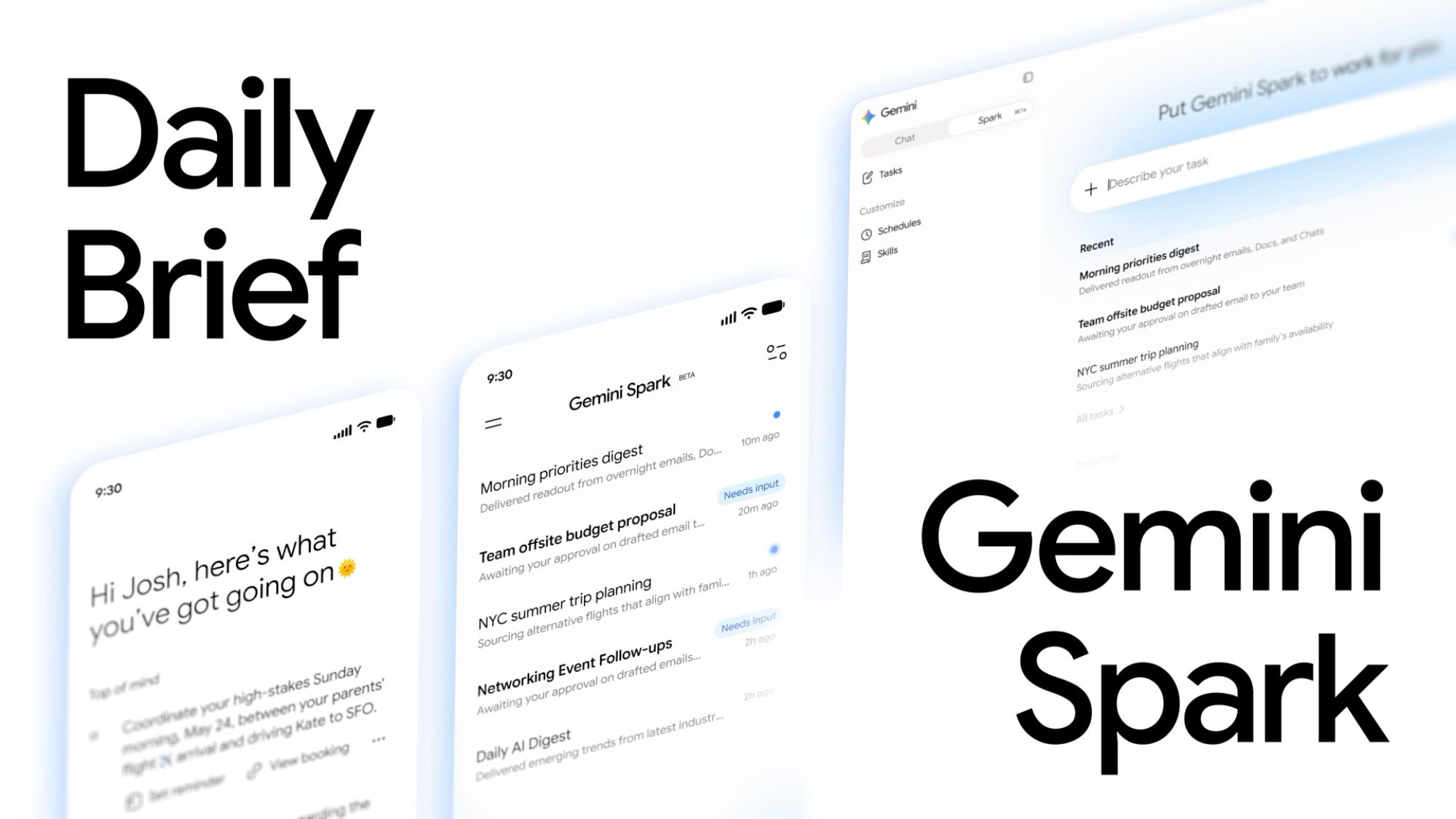
Your Fitbit Air is getting a new update, but don’t expect flashy new featuresYour Fitbit Air is getting a new update, but don’t expect flashy new featuresAndroid Authority•July 24, 2026More people can now try Gemini Spark as Google broadens accessMore people can now try Gemini Spark as Google broadens accessAndroid Authority•July 24, 2026Google welcomes Walmart’s latest super-affordable Onn cameras to the Home familyGoogle welcomes Walmart’s latest super-affordable Onn cameras to the Home familyAndroid Authority•July 23, 2026Google Home’s latest update tackles one of voice control’s biggest annoyancesGoogle Home’s latest update tackles one of voice control’s biggest annoyancesAndroid Authority•July 23, 2026Is Facebook down for you? Here’s what’s going on (Update: Back online)Is Facebook down for you? Here’s what’s going on (Update: Back online)Android Authority•July 23, 2026