Mobile GamesNews
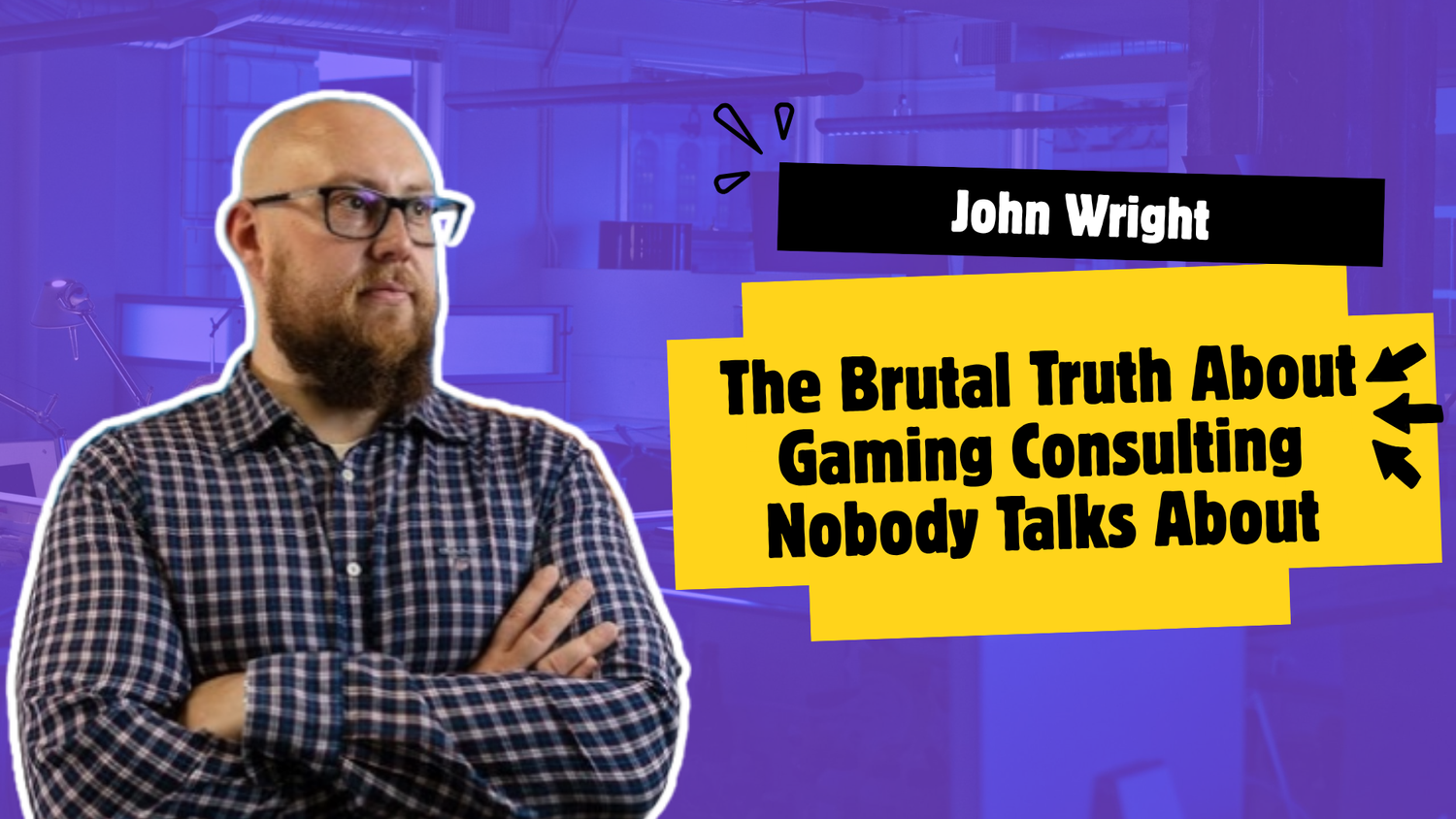
Nobody Told You This About Consulting
Why thousands of game industry veterans are turning to consulting
Deconstructor of Fun8 min read
Explore
Mobile gaming news - hit titles, studios, monetization trends, and the platforms powering play on the go.
630 results • Page 4 of 53
Why thousands of game industry veterans are turning to consulting
Posted by Paul Lammertsma, Developer Relations Engineer With over 300 million monthly active devices across Google TV and Android TV, it’s clear that the living room is a massive, distinct platform for apps to accelerate growth. Today, we’re excited to share Google TV features and developer tools designed to increase the discoverability of your content and prepare your app for future TV experiences. Drive discovery and engagement with Gemini Last year, we brought our AI voice assistant, Gemini , to our platform, so that people can easily find what to watch, learn something new on the big screen, and get everyday tasks done with just their voice. Since launch, we’ve made improvements to how Gemini provides tailored responses to questions. Gemini shares a mix of visuals, videos, and text to help users find what they need, when they need it. For our streaming partners, Gemini is a helpful discovery engine—pulling from your app's metadata to surface your relevant content to viewers. Declare support for pointing modality The TV experience that we once knew is changing. Gemini is changing the way we discover and stream content with voice, but how we use the remote is evolving, too. Pointer remotes bring motion-controlled input to the big screen, unlocking faster user navigation across the Google TV Home page and within content-heavy apps. To ensure your app is ready for this shift and provides a great experience for all users, now is the time to start thinking about pointing input. Here’s how to get started: 1. Adapt your TV app UI Library You’ll need support for hover states, scrollable containers, and cursor clicks to enable pointer remote interactions for your app on Google TV. While implementation varies by UI stack, Jetpack Compose streamlines this transition, as most core components handle these multi-modal interactions natively out of the box. Hover state: Every focusable element on your screen (buttons, movie posters, setting toggles) needs a clear visual feedback mechanism for a hover state. This is often subtler than a focus state but critical for feedback. Scrollable containers: Pointer remotes will also have a small circular touchpad for scrolling. Users can use this touchpad to scroll up or down, or left or right in your app. Your app will need to respond to touch events to scroll. Cursor clicks: Many TV apps today expect a simple D-pad OKAY button “click.” With a pointer remote, a user may “click” on an element that’s not the D-pad focus state, but is instead from a hovered state (similar to a mouse click). 2. Test pointing interactions with a mouse today To see how your app handles hover, scroll, and clicks, simply connect a bluetooth mouse or wired mouse to your Google TV. Keep in mind that a mouse has more precise control, since users are closer to the screen and typically rest the mouse in a stable position. Pointer remotes can often be less precise, since users are sometimes 10 feet away from the screen, making rough gestures with the remote from their couch. As a TV designer or developer, you can mitigate this lack of input precision by having larger hover targets for elements. 3. Declare TV app support for pointer remotes on Google Play Finally, tell Google Play that your TV app is designed to work with a pointer. This ensures that users with pointer remotes will be able to easily find, install, and interact with your app. Within your AndroidManifest.xml, declare the meta-data tag, android.software.leanback. supports_touch . This tag informs the platform that your TV app “spatially supports touch,” since pointer remotes simulate touch events from a distance. AndroidManifest.xml <manifest ...> <!-- Signal whether the app is adaptive or built just for TV --> <uses-feature android:name="android.software.leanback" android:required="true|false" /> <!-- Ensure the app can be installed on conventional TVs --> <uses-feature android:name="android.hardware.touchscreen" android:required="false" /> <!-- Signal whether the app supports pointer remotes --> <meta-data android:name="android.software.leanback.supports_touch" android:value="true|false"/> <application ...> ... </application> </manifest> Tips: The android. software . leanback feature declaration indicates that your app supports D-pad navigation and is intended for distribution only on TV devices via Google Play. The new software attribute of android.software.leanback. supports_touch declares that in addition to D-pad, you have ensured that your TV app works well for pointer/cursor experiences via mouse (of today) and pointer remotes (of future). If you haven't already, now is the time to adopt Jetpack Compose . Hover, scroll, and clicks are common input modalities that are supported on various form factors, and building your app with an adaptive UI framework enables code reusability and reduced maintenance. Onboard the Engage SDK The Engage SDK, formerly known as the Video Discovery API, optimizes Resumption, Entitlements, and Recommendations across all Google TV form factors to boost app discovery and engagement. Resumption: Partners can easily display a user's paused video within the 'Continue Watching' row from the Home page. Entitlements: The Engage SDK streamlines entitlement management, which matches app content to user eligibility. Users appreciate this because they can enjoy personalized recommendations without needing to manually update all their subscription details. This allows partners to connect with users across multiple discovery points on Google TV. Recommendations: The Engage SDK even highlights personalized recommendations based on content that users watched inside apps. It’s a great time to start onboarding the Engage SDK now, since the legacy Watch Next API, which has been powering your continue watching 1.0 experience, will lose support in the 2nd half of 2027. To get started, head to goo.gle/engage-tv to learn more. We're excited to see how our latest Gemini experience and developer tools will optimize your discovery and drive user engagement on our platform. Explore this announcement and all Google I/O 2026 updates on io.google .
Posted by Paul Feng, VP, Google Play Eng, Product, UX At Google Play, we’re passionate about helping people connect with the experiences they’ll love, while empowering developers like you to turn great ideas into lasting business success. At this year’s Google I/O, we talked about our evolving business model that offers more choice and new ways for your apps and content to be discovered on and off the store. We also unveiled advanced tools and insights that will help scale your business with less complexity. Watch the keynote video below, or keep reading for the biggest updates from this year’s event. Expanding your reach by meeting users where they are Your apps and the incredible worlds you build are no longer just a single destination, but connected experiences that reach users across surfaces and devices. To help you meet users where they are, Google Play continues to evolve into a content-forward destination that delivers immersive and personalized experiences on the store, across their devices, and directly within your apps and games. Beyond the store: Expanding discovery to new surfaces & devices We're unlocking new opportunities for your apps and content to be discovered across the wider Android ecosystem. Surfacing your apps and content in Gemini : As people increasingly start their journeys with virtual assistants, we want to ensure your apps and their content are an essential part of this. In the coming weeks, we're enabling app discovery in the Gemini app on Android and Web, connecting your apps and games to millions of Gemini users. Later this year, Gemini will also surface over 450,000 movies and TV shows, as well as where to stream live sports, and deep-link users directly into your app content. Gemini will provide users with app suggestions and direct access to entertainment content during a search. Delivering personalized content across the ecosystem : Engage SDK surfaces deliver your content to over 30 million monthly active users and drive millions of app opens every month—a massive 45% increase year-over-year. And we’re making it even more powerful by expanding support for new surfaces and devices. Store listing integration : Starting next month, existing users will see Engage SDK content directly on your store listings. New tablet surfaces : We’re broadening reach across Android tablet surfaces, including home screen Collections. Global scale : Every Engage SDK surface can now scale your content across over 80 Play markets. Boost re-engagement by integrating with Engage SDK today. If your app is already integrated, no further action is required to benefit from these updates. On the store: Enhancing content formats and conversational search We’re also optimizing the Play Store to help grow your audience with engaging content formats and a more intelligent search experience, to make it easier than ever for users to find and connect with your app. Capturing attention with Play Shorts : Our full-screen, portrait, short-form video feed gives users a glimpse of your app’s look, feel, and functionality. Play Shorts is rolling out to users in the US and select developers, and we look forward to expanding this to more markets and developers in the coming months. Play Shorts provides a glimpse into your app’s look, feel & functionality. Enabling deeper search journeys with Ask Play : Building on AI-powered Q&A, which already answers 95% of user queries, we’re introducing Ask Play. This AI-powered overlay turns discovery into a natural conversation, understanding the full context of a user's question and adapting to follow-ups to recommend the right app. Plus, with Ask Play highlights , users can get a high-level summary of complex searches directly on the search results page to help find the right apps or games more effortlessly. Ask Play understands the full context and helps users find the right apps or games. In your games: Deepening player engagement and community Once players launch your title, the real challenge is keeping them in the action. Play Games Sidekick provides an in-game overlay that gives players instant access to gaming information—like AI-generated Game Tips, rewards, and achievements — driving higher engagement while keeping players immersed. Sidekick has already debuted in over 100+ titles , and we’re building on this momentum with: New social features : Starting next month, players can see which friends are playing the same game and track their achievements Global expansion : Sidekick expands to all participating titles this summer. Head over to Play Console to enable Sidekick and begin testing the user experience so that you're ready for our global launch, while also meeting one of our core Level Up program guidelines. Scaling your business with less complexity We’re streamlining your day-to-day tasks while providing more comprehensive reporting to help you capture more growth opportunities. Streamline your Play Store operations with AI We’re using Gemini models to handle the heavy lifting of localizing your store content and managing your catalog. Localize with less effort : Eliminate manual copy-pasting by uploading a structured file (like a CSV or Google Sheet). Gemini models enable Play Console to pre-populate your listings across different languages for your review. You can also leverage AI-translated subscription benefits to quickly scale your localization efforts. Instantly pre-populate store listings with localized translations. Convert search trends into growth : We’ve simplified the path from insight to action. When you click a keyword recommendation on your Grow overview page, Gemini creates a new custom store listing automatically tailored to that keyword—ready to deploy with just one click. Simplify catalog management : We’re introducing agentic catalog management to help you manage your one-time products. Soon, you can leverage new in-console capabilities to execute bulk price changes, import SKUs, and configure metadata, saving hours of manual work. New agentic capabilities in Play Console will make managing your catalog seamless. For a detailed look at these features and more, watch this video . Behind-the-scenes features that optimize your revenue We’re building tools to maximize your revenue at every stage—with zero developer work required. When a user decides to buy, our platform helps ensure that the transaction completes at the point of conversion, renewal, and retention. Optimizing conversion with delayed charging : When a payment initially fails, our risk models evaluate the transaction. If it’s low-risk, we grant the user access to your paid content while we retry the charge in the background. This means your lowest-risk subscribers get the best experience and you are less likely to lose them due to a temporary glitch. Boosting renewals with extended recovery periods : To prevent involuntary churn, we’ve extended the default account recovery period from 30 to 60 days to give subscribers more time to fix failed payments, like expired credit cards. This shift has driven up to an 18% reduction in involuntary churn and a 9% reduction in total churn for top developers. Maximizing retention with flexible flows : A rigid experience makes retention nearly impossible. Coming soon, our new in-app subscription management API lets subscribers change plans or accept a downgrade offer the moment they hit “cancel.” Combined with replacement modes that automate prorated refunds, you’ll have a powerful toolkit to save at-risk subscribers. Flexible flows let subscribers change plans or accept downgrades to boost retention. More reporting and AI-powered insights We’re providing more data and more AI-powered insights to help you understand your performance and ROI on Play. Measure your full marketing impact : See your app’s total visibility on Play with our new reach metric. Gain better insight into store listing performance with indirect value not previously reported. Analyze downstream impact—like engagement, retention, and monetization—with our new traffic source breakdowns. Optimize the path to purchase and retention : We’ve added cart conversion rates to your core performance metrics to help you identify and fix friction in your checkout flow. New data on subscriber tenure and churn reasons allow you to better pinpoint why subscribers leave and which segments are most at risk. Get faster answers : Using Gemini models, we’re expanding chart descriptions from the Statistics page to the Reach & Devices and Store Performance pages to help you spot trends instantly. With new interactive Q&A and proactive monetization insights, you can ask why a metric shifted and instantly receive tailored recommendations to optimize your business. Get instant answers and recommendations for optimizing your business. Protecting your success In addition to making it easier and faster to publish safer apps , we’re also making it easier to secure your app’s revenue and reputation. Defend your business against fraud and abuse : The new Protected with Play dashboard helps you monitor and configure your integrity, distribution, and monetization defenses all in one place. We’re also reducing warm-up latency for Play Integrity API, so you can use these checks during speed-critical user journeys to block threats and risky devices faster. The Protected with Play dashboard provides centralized insights to help you safeguard your app. Get proactive protection for your store and revenue : We work behind the scenes to help stop malicious activity before it impacts your business. Last year, our automated anti-spam protections blocked 160 million spam ratings and reviews while our anti-fraud efforts automatically protected apps using Play Billing from 3.2 billion dollars in fraud and abuse. Growing your business on Google Play Our latest updates reinforce our commitment to deliver the highest return on your team’s investment, by expanding your reach beyond the store, simplifying your day-to-day operations, and helping you better safeguard your success. We’re excited to see you use these new capabilities to create even more impactful experiences. Thank you for being a part of the Google Play community. Learn more about these announcements and all other Google I/O 2026 updates on io.google starting May 21.
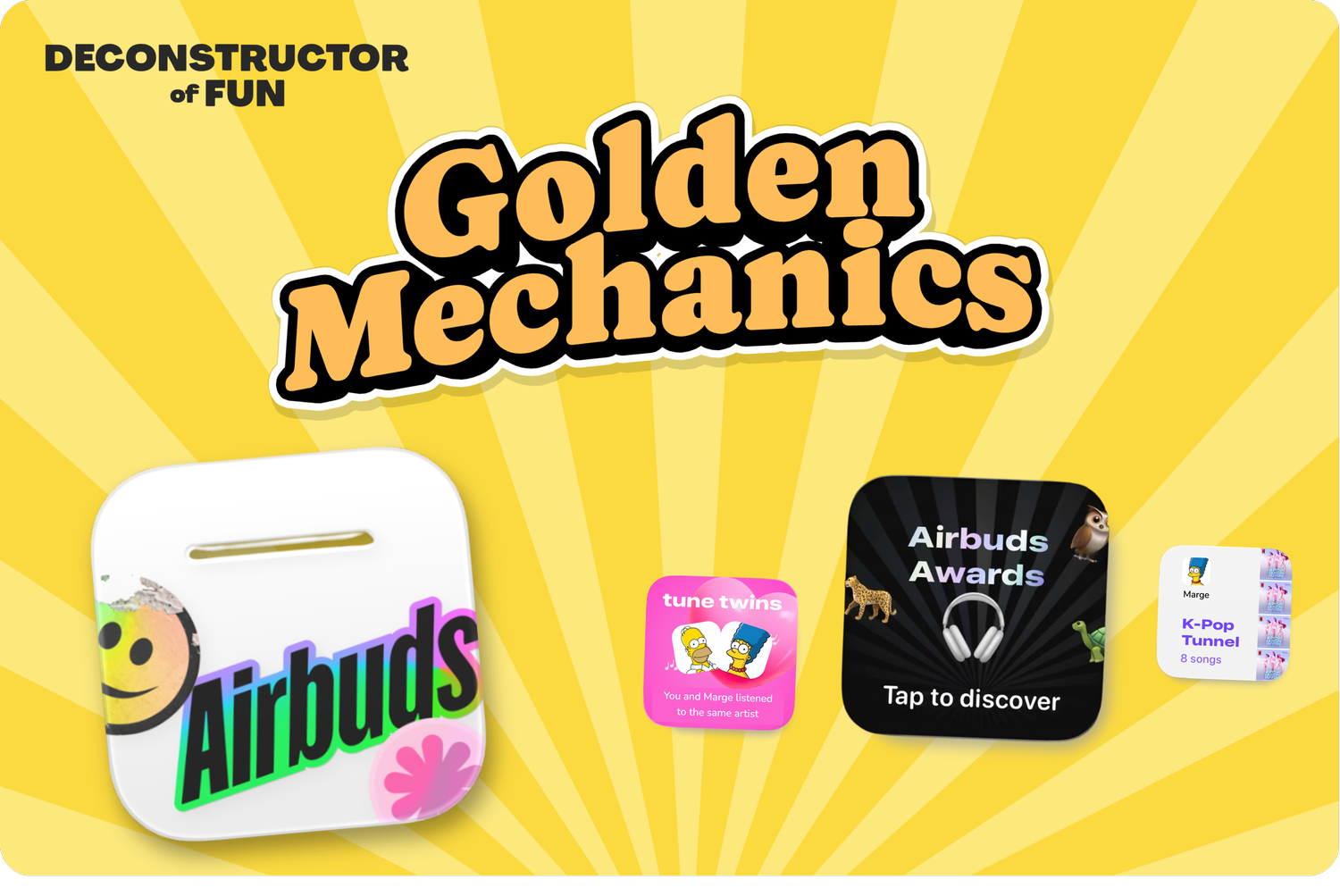
This music app learned three tricks from top grossing mobile games.
A reflection on what truly makes founders and startups succeed beyond experience alone.
What’s happening in the puzzle market?
With support for full-text search, joins, and geospatial queries, Firestore is ready to meet all of your app's querying needs.
Hacker News
“GPT-5.5's API pricing is reshaping how startups build AI products”